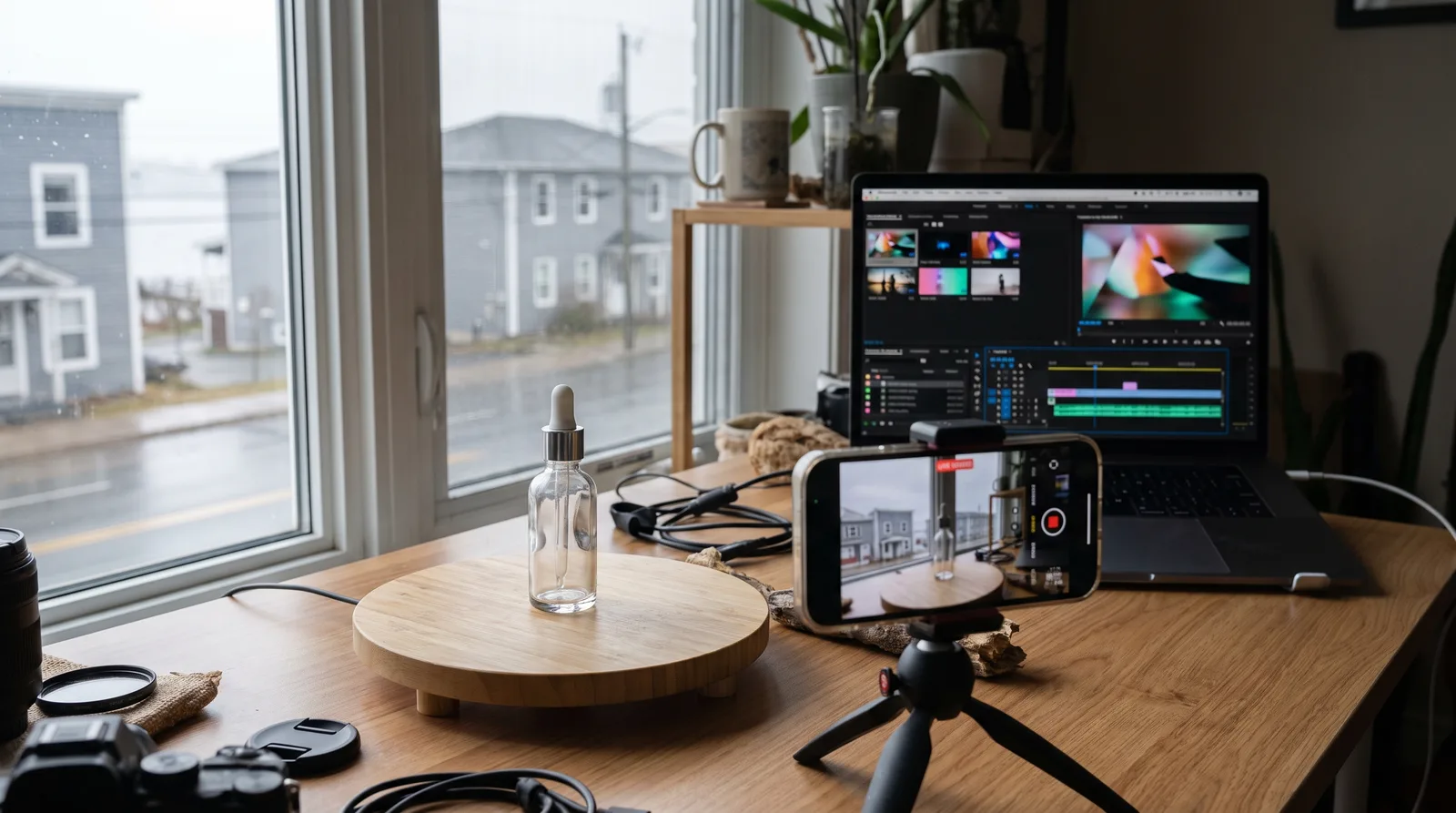
Google Flow (Veo) and Runway are the best AI video generators for directed product scenes, Kling AI and Luma Dream Machine for animating product photos, Pika for quick social clips, HeyGen and Synthesia for avatar video, and Descript or Agent Opus for editing and repurposing. OpenAI has discontinued the Sora app.
Your team needs more video than it can shoot. Product launches, paid social, onboarding and webinar clips all call for motion, and the people making it are often the same people running email, ads and the website. AI video tools can now cover a lot of that work. But they do very different jobs, and the wrong pick wastes credits and weeks.
The tools also change quickly. One well-known model on this list was shut down this year, and plan details change often. So it pays to choose on criteria that will still matter after the next model release: what the tool starts from, how much control you get, what a usable clip really costs, and whether the output fits your editing workflow.
Below are ten tools we would actually consider for client work at DigiBenders. They're grouped by the job they do, with USD plan prices taken from each vendor's own page. You'll also see the workflow we used to turn a consumer brand's product photos into finished 40 to 50 second videos, including the parts where a human editor was still essential.
We chose tools we would put in front of a client's brand, and we judged each one on the job it does, not on its demo reel. We weighed every pick against a small marketing team with no in-house motion designer and a weekly content calendar to fill.
We use several of these tools in client production, and that work is where the criteria below come from:
All prices are in US dollars, taken from each vendor's own pricing page, so the Canadian-dollar charge on your card will move with the exchange rate. The tools appear in the order of our shortlist. OpenAI Sora keeps its place because it still shows up in comparison posts, but read its entry before you plan around it.
These ten tools do three different jobs, and comparing tools that do different jobs leads to bad picks:
Start with one clip model and one editor. Add an avatar tool only if you need a presenter on screen.

What it is: Google's AI filmmaking tool, built on its Veo video models. You generate clips from prompts or reference images and arrange them into scenes.
Best for: Storyboarded brand and product scenes built one shot at a time.
Price: Flow is included with a Google AI Pro subscription, which Google lists at $19.99 USD a month with 1,000 Flow credits a month. The two Google AI Ultra tiers include 10,000 and 25,000 credits. There is no Flow-only plan.
Strength: It's part of our own production stack. We use Flow for cleanup of client-shot footage on short-form social video for a law firm (more on that project in the workflow section below), and its scene-based layout suits teams that already plan from a storyboard.
Limitation: Like every clip model here, it gives you individual shots, not a timed and voiced edit. You still need a voiceover and an editing pass before anything goes out.
What it is: A browser and mobile AI video platform. It runs Runway's own Gen-4.5 and Gen-4 Turbo models, and paid plans add third-party models such as Kling 3.0.
Best for: Teams that want directed shots and in-app creative tools in one subscription.
Price: Runway's pricing page lists the Standard plan at $15 USD a month, or $12 a month billed annually, with 625 credits a month. Pro is $35 a month, or $28 billed annually. The free plan gives 125 one-time credits.
Strength: The credits map to clear output. Standard's monthly credits equal 52 seconds of Gen-4.5 or 104 seconds of Gen-4 Turbo, and the paid plans list no watermarks and 4K upscaling.
Limitation: That allowance barely covers one 40 to 50 second video before you count discarded takes. A team producing every week will likely need Pro or above.
What it is: OpenAI's text-to-video model and app. Many teams had it on their shortlist.
Best for: Exporting work you already made there. It's not an option for new production.
Price: There is no plan to buy. OpenAI's help page says the Sora web and app experiences were discontinued on April 26, 2026, and the Sora API will be discontinued on September 24, 2026.
Strength: If your team made assets in Sora, you can still export them from sora.chatgpt.com/sunset, and you'll get an email when the export is ready. Any ChatGPT or Sora credits you bought can still be used for Codex.
Limitation: OpenAI says it will permanently delete Sora data once any final export window closes. Export now, and rebuild any Sora-based workflow on another clip model from this list.
What it is: An AI video and image generator, now on Kling 4.0. It offers native 4K generation and a Canvas workspace where an agent helps you write scripts, build storyboards and edit across several rounds.
Best for: Animating existing product photos and producing e-commerce assets in batches.
Price: Pricing on request. The Kling AI homepage we reviewed shows no plan prices, so check inside the app before you commit.
Strength: Batch generation produces multiple versions at once, so you can test styles, and Kling lists e-commerce and advertising among its industry uses. Its page also highlights ads that won at the 2026 Cannes Lions festival, including one made entirely with Kling AI.
Limitation: With no prices on the page, you'll need a trial run to work out a budget. Check whether a platform you already pay for offers Kling models before you add another subscription.
What it is: Luma's creative platform, built around its Ray3.2 video model and Uni image model. It also gives you access to Seedance, Kling, Veo, MiniMax and more in one place.
Best for: Product visuals, quick b-roll, and teams that want several models under one plan.
Price: Luma's Dream Machine page lists Plus at $30 USD a month ($300 billed yearly) with 10,000 credits and commercial use. Pro is $90 a month.
Strength: Luma pitches Ray3.2 on frame-by-frame control and continuity, which is what keeps a product looking the same from scene to scene. Connectors link Luma to Figma, Frame.io and Google Ads Console.
Limitation: The individual plans start at Plus, so you pay for a monthly credit pool from day one. It suits teams that will use those credits every month.
What it is: A credit-based AI video generator for short clips and playful effects.
Best for: Short-form social clips on a small budget.
Price: Pika's pricing page lists Starter at $10 USD a month for 900 credits and Creator at $35 a month for 3,150 credits, both billed monthly. Annual billing takes 20% off.
Strength: Every plan, including Free, is listed as watermark-free. Paid plans run generations in parallel (Creator allows 8 videos at once), so you can try several variations quickly.
Limitation: The Free and Starter plans exclude a commercial licence. Any clip meant for an ad or a client channel needs Creator or above. The Free plan also includes no monthly credits, only purchased packs.
What it is: An AI avatar video generator. It turns a script into a talking-head video using stock presenters or a custom avatar of you, and it handles translation.
Best for: Marketing explainers, product walkthroughs and translated video without a camera or studio.
Price: HeyGen's pricing page lists Creator at $29 USD a month with 600 credits and Pro at $49 a month with 1,000 credits. The free plan allows 3 watermarked videos a month, each up to 1 minute long.
Strength: Creator removes HeyGen branding, exports in 1080p and covers 175+ languages and dialects. Pro adds 4K export, videos up to 30 minutes and access to Veo 3.1 for generated scenes.
Limitation: It's built around a presenter on screen. Product b-roll still has to come from a clip model or your own footage, unless you move up to Pro's generative features.
What it is: A template-driven AI avatar platform for training, onboarding and multilingual internal video.
Best for: Training libraries and internal communications that need consistent presenters and translation.
Price: Synthesia's pricing page lists Starter at $29 USD a month, billed monthly, with 1,250 credits (about 12 minutes of video). Pro is $89 a month with 6,000 credits (about 60 minutes). The free Basic plan includes 10 minutes of video creation or dubbing, and those videos carry a watermark.
Strength: Starter includes templates and 125+ avatars. Enterprise adds 1-click translation into 140+ languages and SCORM export for learning systems.
Limitation: Its feature set, including roleplays, surveys and SCORM export, is aimed at training. It's not the tool to reach for when the brief is paid social creative.
What it is: A transcript-based video editor. You edit the video by editing its text.
Best for: Turning webinars, podcasts and interviews into clips, and finishing AI-generated footage with a voiceover.
Price: Descript's pricing page lists Hobbyist at $24 USD per person a month, or $16 on annual billing, with 10 media hours and 400 AI credits. Creator is $35 per person a month. The free plan includes 60 media minutes a month.
Strength: Hobbyist already exports 1080p video without a watermark and includes Studio Sound, Remove Filler Words and Create Clips. Business adds translation and dubbing in 30+ languages.
Limitation: It's an editor first. It does its best work when you bring footage or audio in, and your monthly media hours cap how much you can process.
What it is: An agentic clipping tool that turns long video into short, social-ready cuts with little hands-on editing.
Best for: Teams with a backlog of webinars, interviews or livestreams that need a steady supply of vertical clips.
Price: Pricing on request. We could not verify a current plan price, so check the plan details before you budget.
Strength: It makes the clipping decisions for you. On long recordings, finding the moments worth posting is the step that uses up most editor time, and handing it to an agent frees that time for finishing work.
Limitation: It only works on footage you already have, so it won't produce product scenes. Automated cuts also need a human check for context, captions and brand fit before they go out, especially in regulated fields such as law.
Most entry plans fall in a similar monthly range, but what you get for that money varies a lot by job. Read this table alongside the three-job split above, not as a straight ranking.
| Tool | Best for | Entry paid plan (USD per month) | Standout |
|---|---|---|---|
| Google Flow (Veo) | Storyboarded product scenes | Pricing on request | Scene-by-scene building on Veo models |
| Runway | Directed shots plus in-app tools | $15, or $12 billed annually (Standard) | Gen-4.5 and Kling 3.0 in one plan |
| OpenAI Sora | Exporting old work only | Discontinued | App closed April 26, 2026 |
| Kling AI | Animating product photos | Pricing on request | Batch generation and native 4K |
| Luma Dream Machine | Product visuals and b-roll | $30 (Plus) | Multi-model access, commercial use on Plus |
| Pika | Small-budget social clips | $10 (Starter) | No watermark on any plan |
| HeyGen | Avatar explainers and translation | $29 (Creator) | 175+ languages on Creator |
| Synthesia | Training and internal video | $29 (Starter) | Templates, SCORM export on Enterprise |
| Descript | Editing and repurposing | $24 per person (Hobbyist, monthly billing) | Edit video by editing text |
| Agent Opus | Clipping long video | Pricing on request | Automated social cutdowns |
Credits run out faster than the plan page suggests, because every rejected take costs the same as a keeper. Before you pick a tier, estimate how many finished seconds you need each month and allow several attempts per scene.
AI video can turn a product brand's existing photography into finished, voiced product videos, as long as a human editor finishes the cut. We made a series of 40 to 50 second product videos for a consumer product brand this way, using only their existing product photos.
The tools in this list are what that workflow runs on, with ElevenLabs for the voice.
Image-to-video suits contained motion that starts from a single photo: a slow camera push, a gentle turn, light moving across a surface, or a soft background move. Those shots keep the product framed the way the photographer shot it. Scenes that ask the model to invent a lot, such as big changes of angle, carry more risk of warped labels and shapes. Review those closely, then regenerate or drop them.
The editor handles the work that turns a set of clips into a video:
The same split applies to social video. For a law firm's short-form social channels, we used Google Flow for cleanup of client-shot footage, then the reels themselves are assembled in code: Remotion compositions driven by Claude Code, in kinetic-text and sketch-animation formats. You can see that work in our CLG Injury Law rebrand and social media case study. If you'd rather have this pipeline built and run for you, our AI automation services cover it, and the finished cuts can go straight into campaigns run through our digital marketing services.
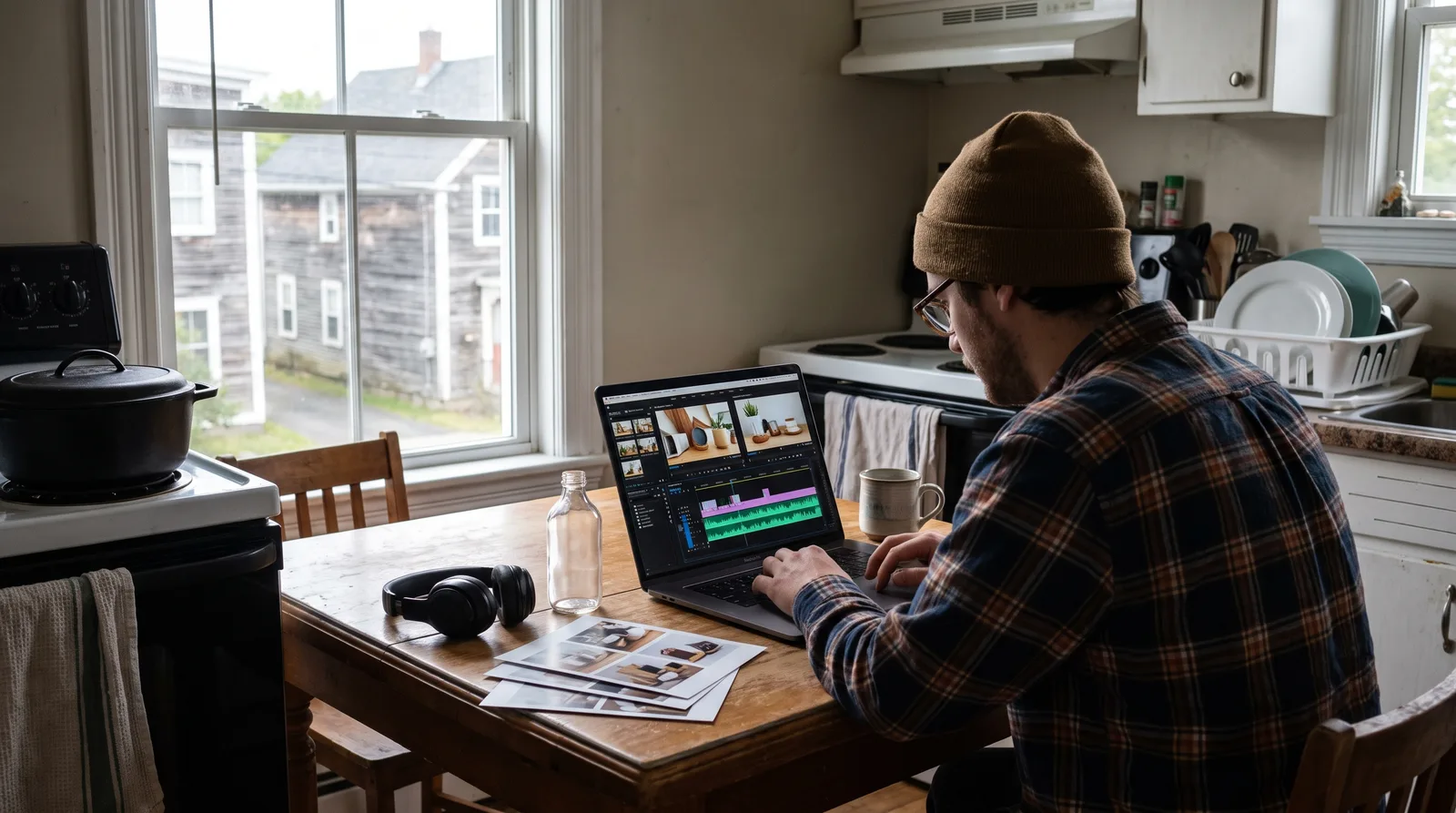
Choose by the job in front of you, then add a second tool only when the first can't finish the video. These picks follow the criteria and entries above.
The best AI video generators are much easier to choose between once you sort them by job. Pick one clip model that starts from what you already have, which for a product brand can be its existing photography. Add an editor such as Descript, and bring in an avatar tool only if you need a presenter on screen. Treat every price as USD, budget for discarded takes, and confirm the commercial licence on the exact plan you buy.
Above all, keep a person on the timeline. Our product videos worked because image-to-video handled the motion, ElevenLabs handled the voice, and an editor handled timing, pacing and the finish. If you want that workflow built for your brand, book a free consultation with our team in Saint John.