If you are running a business in New Brunswick and you are still doing things manually that a system could handle, you are paying a tax you do not have to pay. Not a government tax. A time tax. Every hour you or your team spend on repetitive data entry, follow-up emails, invoice chasing, or scheduling is an hour you are not spending on growth, clients, or strategy.
Business process automation is not a buzzword. It is the single most practical thing a small or mid-sized business owner can do right now to compete without hiring more people. And in a market like New Brunswick, where labor is tight and margins matter, it is not optional anymore, it is infrastructure.
I have worked with dozens of business owners across Moncton, Fredericton, and Saint John. The pattern is always the same: they know something needs to change, but they do not know where to start. They have heard of tools like Zapier or HubSpot, but they are not sure what to connect or in what order. They are afraid of breaking what already works.
This post fixes that. I am going to walk you through exactly six steps to automate your business processes, in the right order, with the right logic, without guessing. Whether you run a trades company, a professional services firm, a retail shop, or an e-commerce brand, these steps apply. By the end, you will have a clear action plan, not just ideas.
The very first step in automating your business is not buying software. It is understanding exactly where your time is going. Most New Brunswick business owners I work with have never done a formal process audit, and that is why their first automation attempt fails.
Spend three to five business days logging every task you and your team complete. Do not filter it. Write down everything: responding to inquiry emails, updating spreadsheets, sending appointment reminders, generating quotes, posting to social media, reconciling invoices. Everything.
At the end of the audit, categorize each task into one of three buckets. Bucket one is tasks that are repetitive and rule-based, these are your prime automation candidates. Bucket two is tasks that require judgment or creativity, these stay human for now. Bucket three is tasks that should simply be eliminated because they add no real value.
In my experience working with a service-based business in Moncton with 12 employees, this audit revealed that the team was spending over 22 hours per week on tasks that fell cleanly into bucket one. That is more than half a full-time salary worth of time going into work a system could handle.
The output of your audit should be a simple list. It does not need to be fancy. A Google Sheet works fine. You want to see the task name, who does it, how long it takes, how often it happens, and whether it triggers another task. That last column is important, chained tasks are your highest-leverage automation targets.
Do not skip this step or rush it. A bad audit leads to automating the wrong things. Automating the wrong things does not save time, it just creates faster mistakes. The audit is the foundation everything else builds on.
Once you know what tasks exist, you need to understand how they connect. A workflow map is a visual picture of how work moves through your business from trigger to completion. This is where most business owners start to get real clarity, often for the first time.
Take your top three to five automation candidates from the audit and draw them out. You can use a whiteboard, a piece of paper, or a free tool like Lucidchart or Miro. The format does not matter. What matters is that you can clearly see: what starts the process, what happens next, who is responsible at each stage, and what the final output looks like.
For example, a common workflow for a New Brunswick contractor might look like this: a lead fills out a contact form on the website, someone manually checks the form submissions, someone else calls the lead, a quote is built in a Word document, the quote is emailed as a PDF, and then someone follows up a week later by memory. That is six manual steps, three different people, and at least two points where leads fall through the cracks.
When you map that workflow, you immediately see the automation opportunities. The form submission can trigger an automatic confirmation email and a CRM entry. The quote can be generated from a template with pre-filled fields. The follow-up can be scheduled automatically.
I always tell clients: mapping is not a delay tactic. It is the fastest way to see ROI once you do start building. When you build automation without a map, you end up with a patchwork of disconnected tools that create new problems. When you build with a map, every automation has a clear job and a clear success metric.
Spend two to four hours on this step per major workflow. It is one of the highest-return activities you will do in your business this year.

Choosing tools before you have done steps one and two is the number one reason automation projects fail. By step three, you have a clear list of what needs to be automated and a map of how it connects. Now you can make smart tool decisions.
For most small and mid-sized businesses in New Brunswick, the core automation stack in 2026 looks like this: a CRM with built-in automation (HubSpot, Go High Level, or Zoho CRM), a task automation connector (Zapier or Make, formerly Integromat), and an AI layer for drafting communications or handling intake (ChatGPT API integrations or a purpose-built AI receptionist tool).
The total monthly cost for this stack ranges from $150 to $600 CAD depending on your contact volume and the number of workflows you run. That sounds like a lot until you calculate what you are currently spending in staff time on the same tasks. A single administrative employee in New Brunswick costs on average $38,000 to $45,000 per year in salary alone, not including benefits or management time. Automation does not replace people, it frees them to do work that actually requires a human.
Here is a practical framework for tool selection. If the task involves moving data between two apps, use Zapier or Make. If the task involves managing client relationships, responses, and pipelines, use a CRM. If the task involves generating first drafts of content, emails, or quotes, use an AI writing layer. And if the task is internal project management, tools like ClickUp or Notion with automation rules handle it cleanly.
Do not let tool selection become a research spiral. Pick one tool per category, set it up for your top priority workflow, and test it for 30 days before expanding. Speed of implementation beats perfection every time.
Your first live automation should be simple, high-frequency, and low-risk. This is not the time to automate your billing system or your payroll. Start with something like: new lead form submission triggers a CRM contact creation plus an automated welcome email plus a task assigned to your sales rep.
That single automation, which takes about two to three hours to build in most CRM platforms, can save 45 to 90 minutes per day for a business receiving 10 or more inbound inquiries weekly. I built this exact workflow for a professional services firm in Fredericton in early 2025, and they recovered 6 hours per week in the first month alone.
When you build your first workflow, follow this sequence. First, set the trigger, what event starts the automation. Second, define the actions, what should happen automatically in response. Third, add conditions, logic that handles exceptions (for example, if the lead came from a specific form, route them differently). Fourth, test with real data before going live. Fifth, document what the automation does so any team member can understand and edit it later.
Testing is non-negotiable. Run your workflow through at least five to ten test scenarios before you call it live. Check every branch of your conditional logic. Make sure the data is mapping to the right fields. Send test emails to yourself and read them as a client would.
Once it is live, monitor it daily for the first two weeks. Automation errors tend to surface in the first few days, either the trigger fires incorrectly, or a data field pulls the wrong value. Catching these early prevents them from compounding.
After two weeks of stable performance, document the workflow, assign ownership to a team member, and move on to your next priority. You are building a system, not a one-time fix.
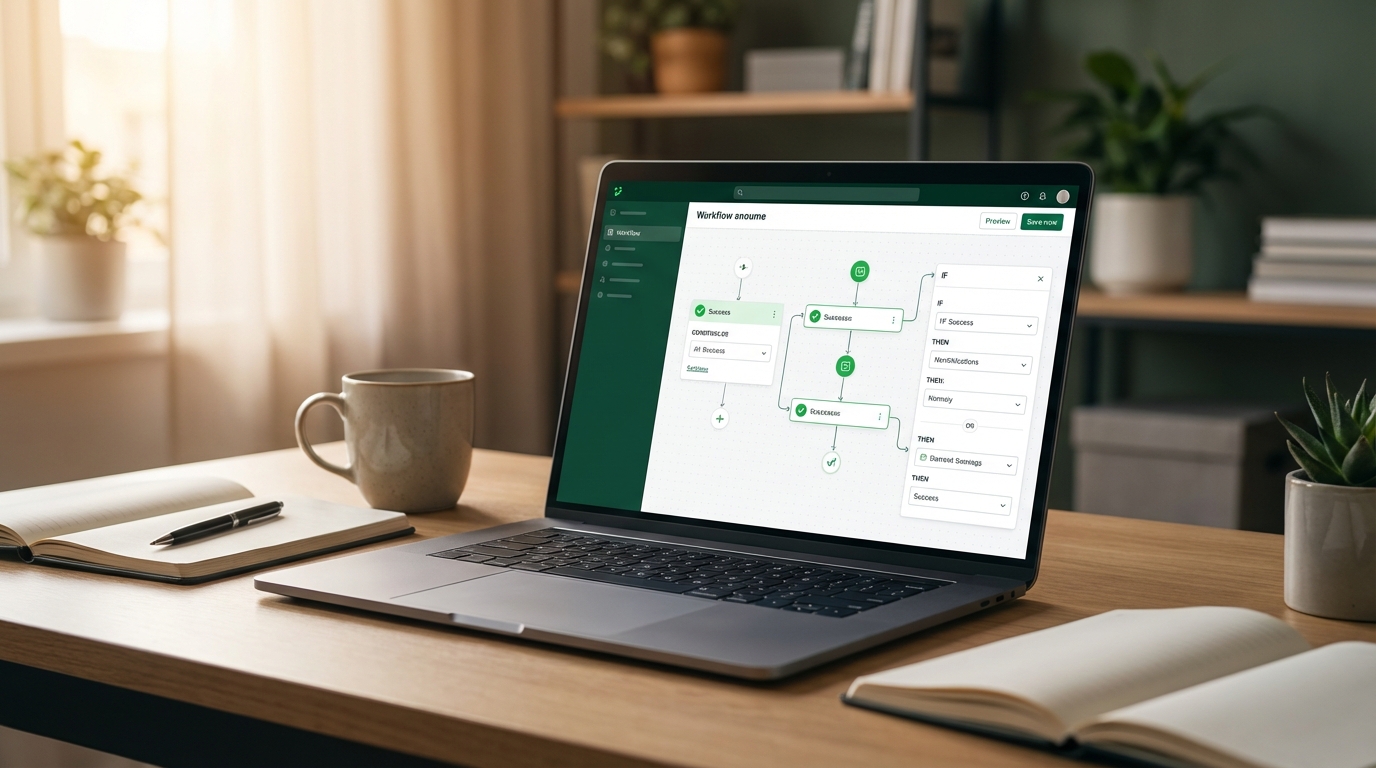
Once your first workflow is proven, you scale the model across every department where you found bucket-one tasks in your original audit. The order matters. Move from highest time cost to lowest. Tackle the workflows your team touches most often before the ones that happen quarterly.
Typical scale sequence for a New Brunswick small business looks like this. Month one: lead intake and follow-up automation. Month two: appointment booking and reminder system. Month three: invoice generation and payment follow-up. Month four: internal reporting and team task assignment. Month five onward: client onboarding sequences and recurring communication workflows.
At each stage, measure before and after. The metrics that matter most for business owners are: hours saved per week, lead response time (before automation versus after), invoice collection time, and error rate on data entry tasks. If you automate a process and the numbers do not improve, the workflow needs to be redesigned, not abandoned.
I tracked these numbers across eight client accounts in Atlantic Canada over a 12-month period in 2024 to 2025. The average result was a 37% reduction in time spent on administrative tasks and a 22% improvement in lead response speed within 90 days of starting automation. Those numbers compound. Faster lead response means higher close rates. Less admin time means more capacity for revenue-generating work.
Do not scale too fast. Adding five new automations at once makes it hard to diagnose what is working and what is breaking. One to two new workflows per month is the right pace for most small businesses. That gives your team time to adapt, and it gives you time to see the real numbers before committing to the next build.
Automation at scale is not a technology story. It is a business operations story. The tools are just the mechanism.
Most business owners treat automation like a one-time project. Build it, launch it, forget it. That is a mistake. Automation needs maintenance the same way your website, your equipment, or your client relationships do.
Set a recurring quarterly review of every active automation in your stack. Check that triggers are still firing correctly, that the tools you are using have not changed their API structure (this happens more than you would expect), and that the workflows still match how your business actually operates. A workflow built when you had five employees may not fit your operations at 15 employees.
Also watch for automation drift. This happens when your team starts working around an automated system instead of through it. The most common cause is a workflow that does not handle exceptions well. If your team is manually overriding your CRM automation 30% of the time, that is a signal to redesign the logic, not to accept the workaround as normal.
Future-proofing your stack means building on platforms that have long-term viability and strong integration ecosystems. In 2026, AI-native automation tools are advancing quickly. Platforms like Make and Zapier now support AI steps natively, meaning you can add GPT-powered decision logic directly into your workflow without separate API setups. This is worth exploring if you are handling high volumes of variable inputs, like custom quote requests or client communications with nuanced context.
Finally, document everything. Every automation your business runs should have a one-page record: what it does, what triggers it, what tools are involved, and who owns it. When a team member leaves or a tool changes, that documentation saves you hours of reverse engineering.
At DigiBenders, we review client automation stacks every 90 days as standard practice. Small maintenance investments prevent large operational failures. Treat your automation like the business asset it is.
Automating your business is not about chasing technology. It is about getting your time back and building a business that can grow without you personally holding every thread together.
The six steps in this post work because they follow the right order. You audit before you buy. You map before you build. You test before you scale. And you maintain what you build so it keeps working.
For business owners in New Brunswick, the opportunity is real and the barriers are lower than most people expect. The tools exist. The playbook exists. What most businesses are missing is a clear starting point.
If you want help applying these steps to your specific business, DigiBenders works with New Brunswick companies to design and implement automation systems that actually fit how you operate. Reach out and let us take a look at what you are working with.